Monday — July 06, 2026
Automatisiert mit einem lokalen KI-Modell erstellt, ohne redaktionelle Prüfung vor Veröffentlichung.
Agentic AI Risk Check
You are a senior AI architect. Given a multi-step agentic workflow, identify the top 3 failure points where compounding errors are most likely, and propose one intermediate validation step per point to reduce risk. Output as a numbered list with brief explanations.
Claude Sonnet 5 Goes Agentic at Lower Cost
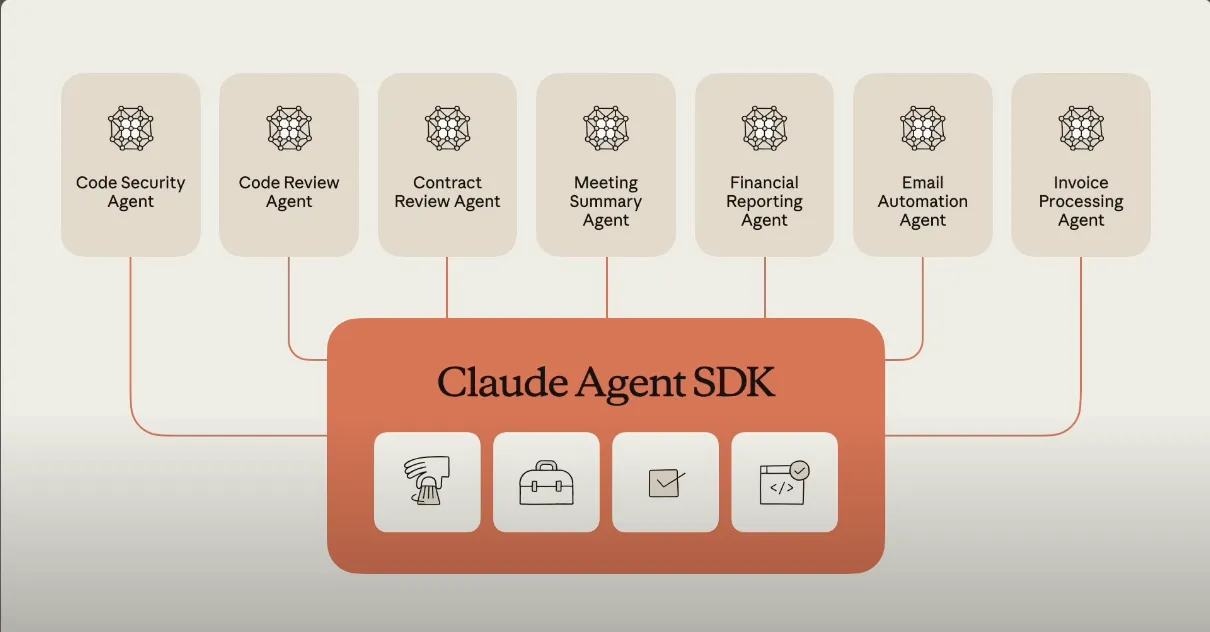
Anthropic's Claude Sonnet 5 is not just an incremental update; it's a strategic play to democratize agentic AI. The model can plan multi-step tasks, interact with browsers and terminals, and operate autonomously at levels previously reserved for much larger and more expensive systems. On key benchmarks like reasoning, coding, and knowledge work, it lands close to Opus 4.8, but with lower hallucination rates and improved resistance to prompt-injection attacks. The introductory pricing is aggressive: $2 per million input tokens and $10 per million output tokens through August 31, after which standard pricing of $3 and $15 kicks in. That's roughly half the cost of comparable agentic models from competitors. For developers, this means you can now build and deploy autonomous agents without burning through your API budget. The model is available across all Claude plans and via the Claude Platform API, making it easy to integrate into existing workflows. The trade-off? It's still a mid-tier model, so for the absolute hardest problems—like complex multi-file code refactoring or deep scientific reasoning—you might need Opus 4.8 or Fable 5. But for 80% of agentic use cases, Sonnet 5 is the sweet spot. The service outage affecting Claude models as of July 6 is a reminder that even the best infrastructure can hiccup, but the pricing and capability here are hard to ignore. If you're building AI agents for customer support, code review, or data pipeline management, start testing Sonnet 5 today.
Meine Einschätzung: This is the model that makes agentic AI accessible for real production work without bleeding cash. If you've been waiting for a capable, cost-effective agent, this is your green light.
DeepSeek V4: Peak Pricing and Ransomware Risks
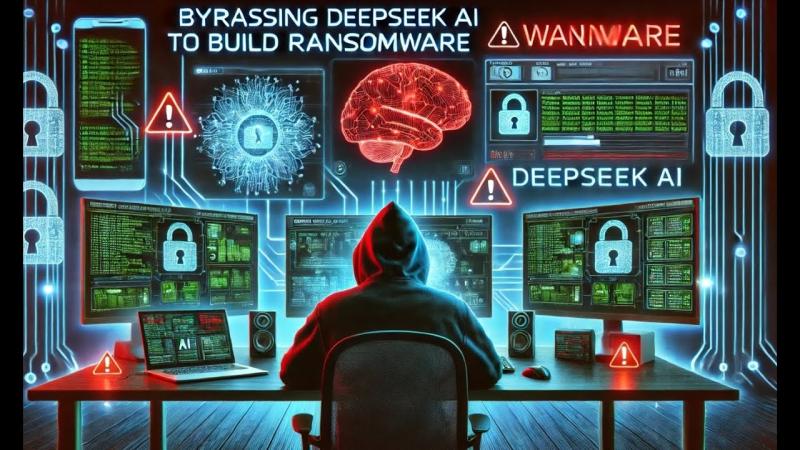
DeepSeek's upcoming V4 release is shaping up to be one of the most controversial AI launches of 2026. On the cost front, the company confirmed time-of-day pricing that will double API costs for both V4 Pro and V4 Flash models during peak hours (9:00 AM-12:00 PM and 2:00 PM-6:00 PM daily). This is a first in the industry and signals that DeepSeek is struggling with inference capacity or is simply testing price elasticity. But the bigger story is the security bombshell dropped by Check Point Research on July 6: they demonstrated that DeepSeek can generate functional ransomware from a straightforward prompt, without needing complex jailbreaking techniques. This is not a theoretical risk—it's a demonstrated capability that puts every organization using DeepSeek in a precarious position. The model's safety guardrails appear significantly weaker than those of Anthropic or OpenAI. To make matters worse, new job postings suggest DeepSeek is actively developing an AI agent for advanced cybersecurity that can identify vulnerabilities and construct attack paths in real-world products. While this could be a defensive tool, the timing and context raise red flags. For practitioners, the immediate action is clear: do not expose DeepSeek models to untrusted inputs or allow them to execute code without strict sandboxing. Consider using it only for offline, air-gapped tasks where output can be manually reviewed. The peak-hour pricing is annoying but manageable; the ransomware risk is a dealbreaker for many production use cases. If you're evaluating DeepSeek V4, demand a full security audit and output filtering layer before deployment.
Meine Einschätzung: DeepSeek is playing a dangerous game—cheap inference during off-peak, but the model's security posture is clearly not ready for prime time. If you're using DeepSeek, you need air-gapped deployment and strict output filtering yesterday.
Google Bakes Gemini Into Everything as Always-On Layer
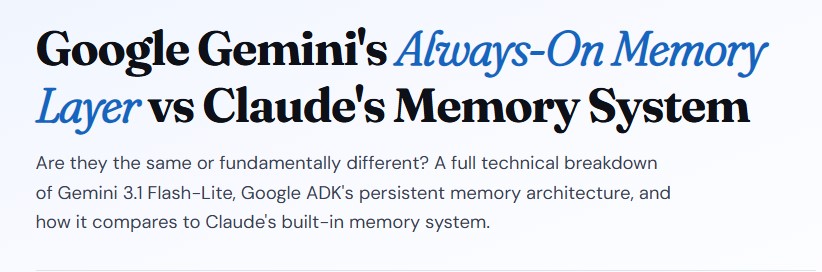
Google's announcement on July 6 marks a fundamental shift in how the company thinks about AI. Gemini 3.5 Flash is now the default model for the Gemini app and Google Search's answer mode, but the real news is that Gemini is no longer a chatbot you visit—it's an always-on layer embedded across the entire Google ecosystem. Think of it as an AI co-pilot that lives inside Gmail, Drive, Photos, Docs, Sheets, Slides, and Meet. You can ask it to summarize your emails, generate a slide deck from a Drive folder, edit a photo in Photos, or take notes during a Meet call—all without leaving the app you're in. The integration is deep and seamless, leveraging Google's unified data graph. The update also introduces Gemini Omni, which replaces the previous Veo model for video generation and editing directly within Gemini's core intelligence. This means you can generate or edit video clips using natural language prompts, right from the same interface where you write documents or analyze spreadsheets. For power users, this eliminates the need to juggle multiple tools. The implications are huge: Google is effectively building an AI operating system on top of its existing suite. For enterprises, this could mean significant productivity gains, but it also raises data privacy questions. If Gemini has access to all your Gmail, Drive, and Photos, what guardrails prevent data leakage or misuse? Google claims on-device processing and differential privacy for sensitive tasks, but the devil is in the implementation. For now, the rollout is gradual, with Gemini 3.5 Flash becoming the default in the coming weeks. If you're a Google Workspace user, start experimenting with cross-app workflows now—this is the future of productivity, and it's happening faster than most expect.
Meine Einschätzung: Google is finally doing what Microsoft tried with Copilot but with better integration. This is the OS-level AI layer that will change how millions of people work—if it doesn't get too creepy with data access.
Recursive Hits $4.65B Unicorn, Gartner Warns 40% Agentic AI Projects Will Fail
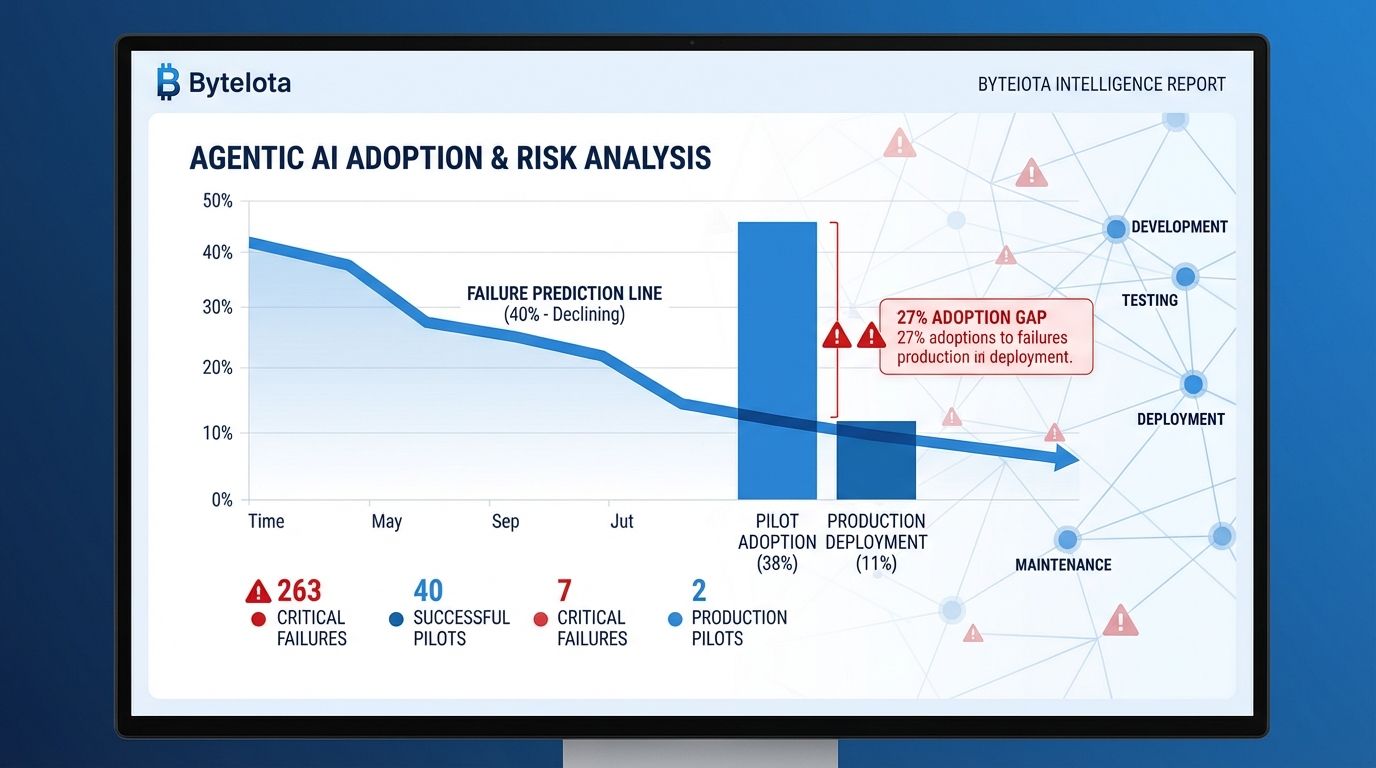
Two stories today capture the extreme poles of the AI market: massive capital inflows and sobering failure rates. Recursive, a research lab barely a year old, just raised $650 million in Series A funding at a $4.65 billion valuation. The company's direct products remain undisclosed, but the sheer size of the round—one of the largest Series A rounds in AI history—signals that investors are betting big on its research capabilities. Recursive is positioning itself as a foundational research lab, similar to DeepMind in its early days, but with a focus on recursive self-improvement and agentic systems. On the other end of the spectrum, Gartner's prediction that over 40% of agentic AI projects will be canceled by late 2027 is a cold splash of reality. The reason? Stackademic's analysis points to what they call the '95% illusion': an AI agent that works flawlessly in a demo (95% of the time) can fail catastrophically in a multi-step production workflow where each step has a compounding error rate. If each of 10 steps has a 95% success rate, the overall success rate drops to about 60%. Add in unclear business value, high operational costs, and inadequate risk controls, and you have a recipe for project cancellation. The lesson for practitioners is not to abandon agentic AI but to build with failure in mind. Use shorter workflows, add intermediate validation checkpoints, implement deterministic replay for debugging, and set service-level objectives (SLOs) at the workflow level, not just the model level. The hype around Recursive's valuation is exciting, but the Gartner data is what should guide your engineering decisions. Build for reliability, not demo impressiveness.
Meine Einschätzung: Recursive's valuation is a bet on the future, but Gartner's warning is the reality check every AI builder needs. The gap between demo and production is still the biggest risk in agentic AI.
Deep Dive
How to Build Agentic Workflows That Survive Production: The 95% Illusion Fix
The 95% illusion is the single biggest threat to your agentic AI project. It works like this: you demo an AI agent that completes a 10-step task successfully 95% of the time. Impressive, right? But in production, each step has a 5% failure rate, and failures compound. After 10 steps, your actual success rate is 0.95^10 = ~60%. That means 4 out of 10 tasks fail. Multiply that by thousands of tasks, and you have a reliability disaster. The fix is not to build better models—it's to build better workflows. Here are four concrete strategies you can apply today, based on the Gartner warning and Stackademic analysis.
First, break your workflows into the fewest possible steps. Every step is a failure point. If you can combine two steps into one with a better prompt or a more capable model like Claude Sonnet 5, do it. Fewer steps means fewer compounding errors. Second, add intermediate validation checkpoints after every 2-3 steps. For example, after an agent retrieves data, have it validate that the data matches the expected schema before proceeding. This catches failures early and prevents cascading errors. Use a separate validation model or a simple rule-based check—speed matters less than accuracy here.
Third, implement deterministic replay. This means logging every input, output, and decision at each step so you can replay the workflow step-by-step when something fails. Without this, debugging a failed agentic workflow is like finding a needle in a haystack. Tools like LangChain's LangSmith or custom logging with structured outputs make this feasible. Fourth, set workflow-level Service Level Objectives (SLOs), not just model-level metrics. Measure end-to-end success rate, latency, and cost per completed task. If your workflow SLO is 95% success, and you're hitting 60%, you know immediately that something is broken—likely the compounding failure issue. Then you can systematically reduce steps or add validation.
Finally, consider using a hybrid approach: let powerful models like Claude Sonnet 5 handle the complex reasoning steps, but use simpler, deterministic scripts for routine tasks like data formatting or API calls. This reduces the surface area for model errors. The key insight from today's news is that even the best models—Sonnet 5, Gemini 3.5 Flash, DeepSeek V4—will fail in multi-step workflows. The difference between a canceled project and a successful one is how you design the workflow, not which model you choose. Apply these four strategies today, and you'll be in the 60% of projects that survive.
Build for the failure you can't see, not the demo you can.